Get srooter
Start with the desktop app. Prefer the terminal? srooterctl does the same from your shell. Every request goes through the srooter API, where your team controls model routing, budgets and policy.
srooter Studio for Mac
Point it at a project, describe the task, and watch the coding agent work. Every request goes through the srooter API. Sign in inside the app: no API key needed.
↓ Download for Mac (v0.1.24) No account yet? Sign up →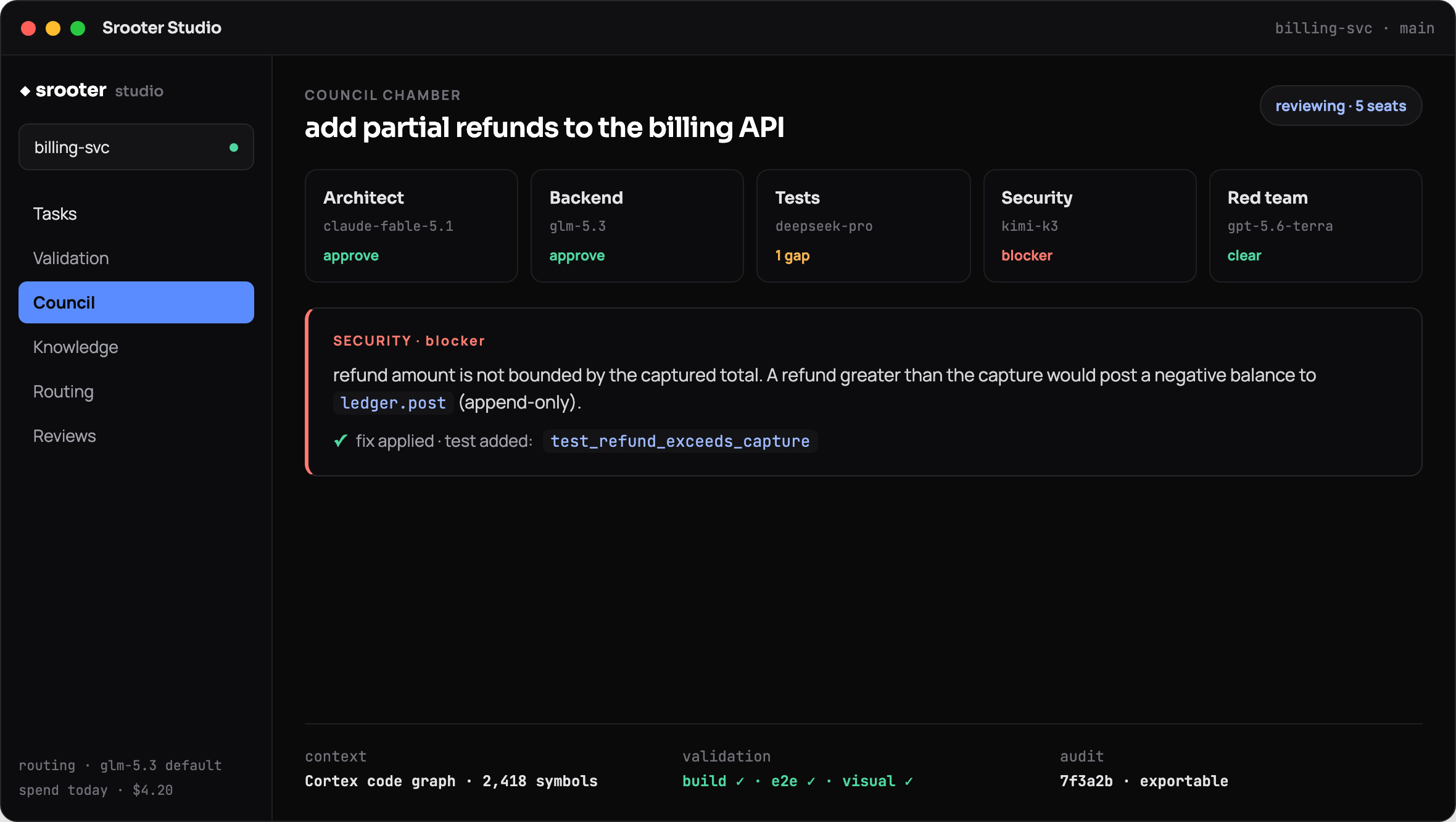
Prefer the terminal? srooterctl
One command installs srooterctl and the coding agent, verified against a signed release. Sign in once in your browser, then open a coding session or run a single task in your project. srooterctl review sends your branch to the multi-model review council.
curl -fsSL https://api.srooter.ai/install.sh | bash
srooterctl login
srooterctl
srooterctl -p "fix the failing test"
srooterctl review
To use an API key instead of browser sign-in, run srooterctl repair. You type the key hidden, so it never lands in shell history or the process list.
No account yet? Sign up →Already using Claude Code or Codex?
Route them through srooter too. After srooterctl login, srooterctl enable shows the config change before it writes it. Running it again on a routed client changes nothing.
srooterctl enable claude
srooterctl enable codex
# or both, at install time:
curl -fsSL https://api.srooter.ai/install.sh | bash -s -- --with-claude-codex
No account yet? Sign up →